EN
EN


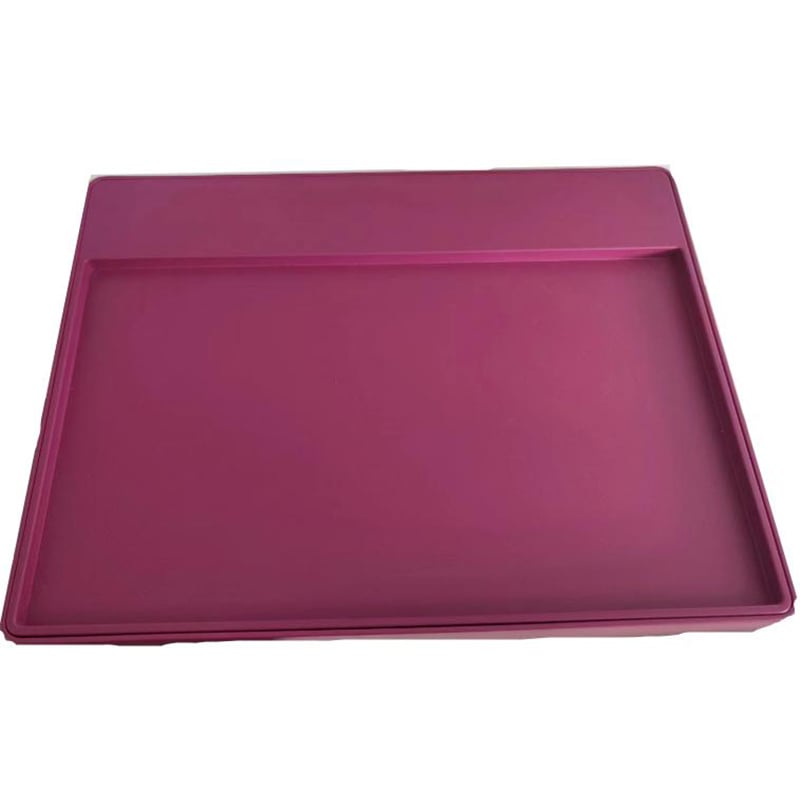
Desktop UHF RFID jewelry viewing
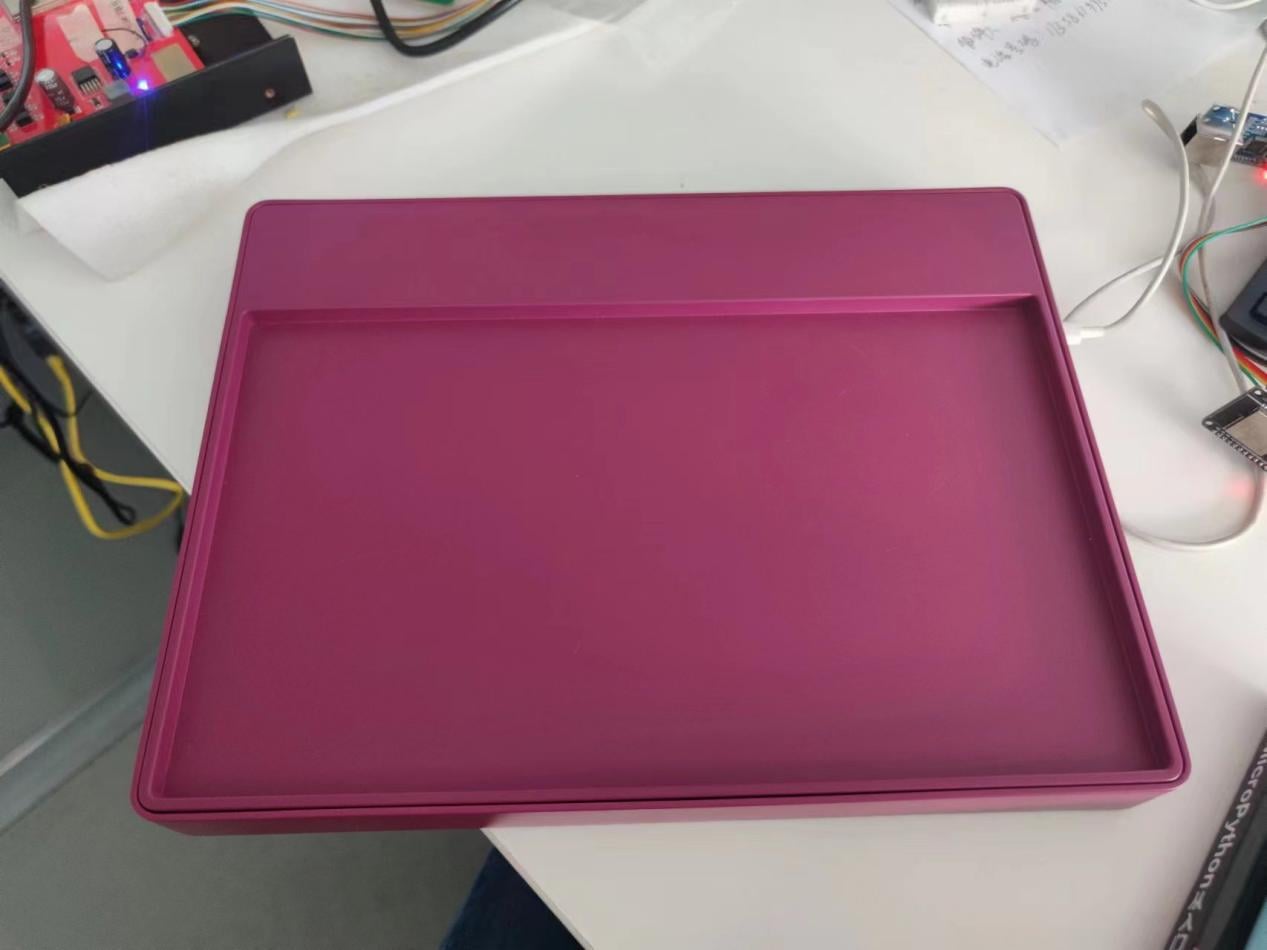
The jewelry viewing tray is a reading and writing device with RFID function that supports Bluetooth communication. It features an ultra-thin thickness, ultra-light weight and fashionable appearance. It is equipped with a 5000mAh capacity battery and can work continuously for more than 12 hours. It is equipped with the internationally renowned ThingMagic® RFID module, with adjustable read and write power ranging from 0 to 27dbm. It supports C, C#, and JAVA development languages, making application development more convenient and efficient.
- Overview
- Specifications
- Routine operation
- Precautions
- Recommended Products
Overview
| Model | FU-JWL-05 | |
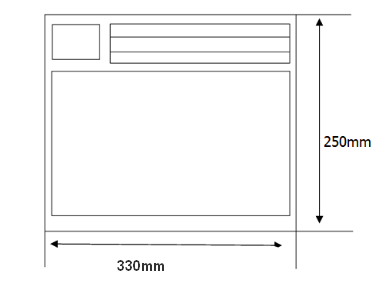
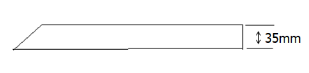
| Size | long | 330 mm |
| wide | 250 mm | |
| high | 35 mm | |
| Weight | 1260g(including battery) | |
Specifications
| Meet the standards | EPCglobal Gen 2 (ISO 18000-6C) |
| Frequency range (optional) |
FCC (NA, SA) 917.4 – 927.2 MHz ETSI (EU) 865.6 – 867.6 MHz TRAI (India) 865 – 867 MHz KCC (Korea) 917– 923.5 MHz MIC (Japan) 916.8 – 923.4 MHz ACMA (Australia) 920 – 926 MHz SRRC-MII (P.R.China) 920.1– 924.9 MHz 'Open' (Customizable channel plan; 859 – 873 MHz and 915 – 930 MHz) |
| Antenna gain | -10 dBi |
| The antenna is stationed at a baume ratio | ≤1.5 |
| Power adjustment range | 0-27dBm, 0.01dB Adjustable |
| Communication interface | Wireless Bluetooth |
| Battery capacity | 5000mAh |
| Charging voltage | 5V / 2A Power adapter |
| Working temperature | -20℃ ~ +60℃ |
Routine operation
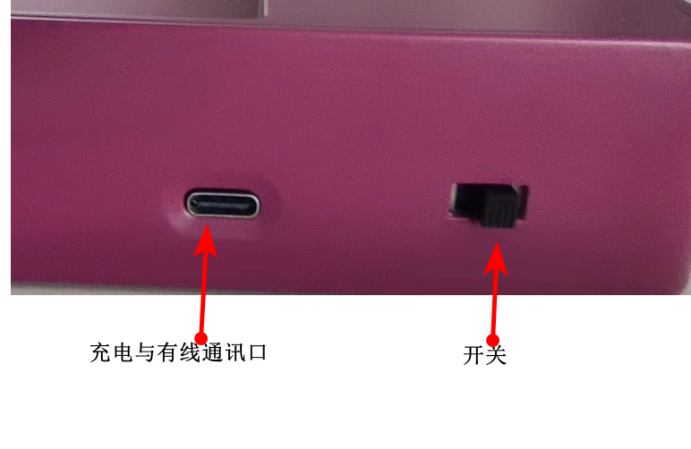
1. Press the power start button. After starting, the power indicator light will come on.
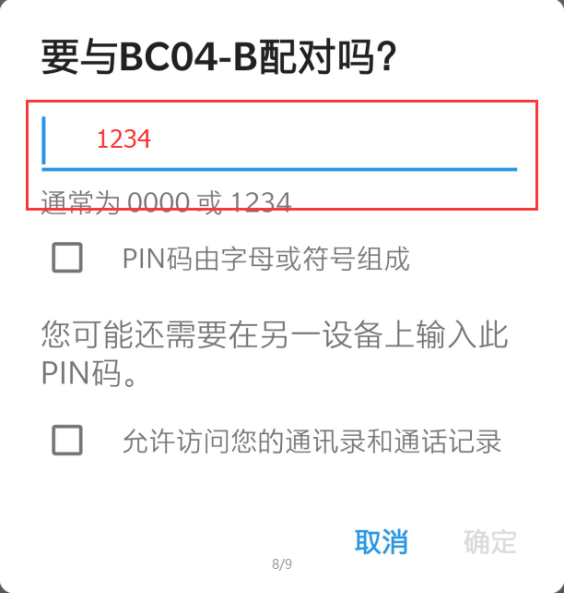
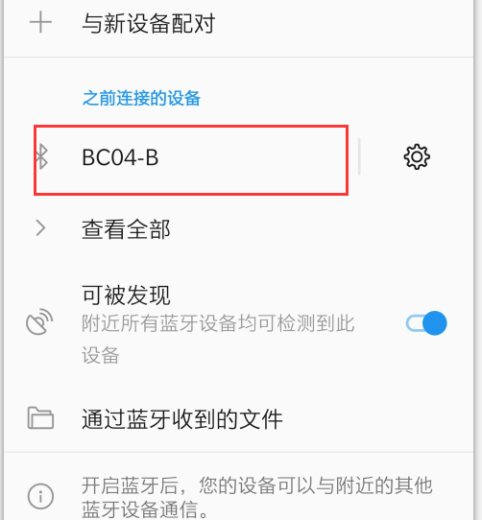
2. Use an Android phone or tablet, search for the Bluetooth device with the Bluetooth name BC04, click to connect to the Bluetooth device with this name, and the default Bluetooth pairing password is 1234. Check whether the paired device has been successfully paired.
3. Indicator light: Red: Charging; Blue: Charging complete/Power indicator; Yellow: Battery level status;
Connect the device
(1) Install the Android version of the application software.
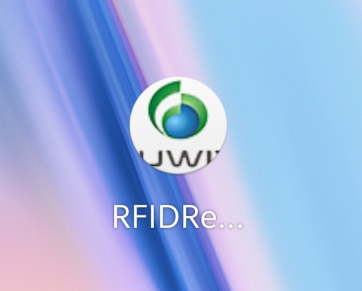
(2) The software interface is opened as follows
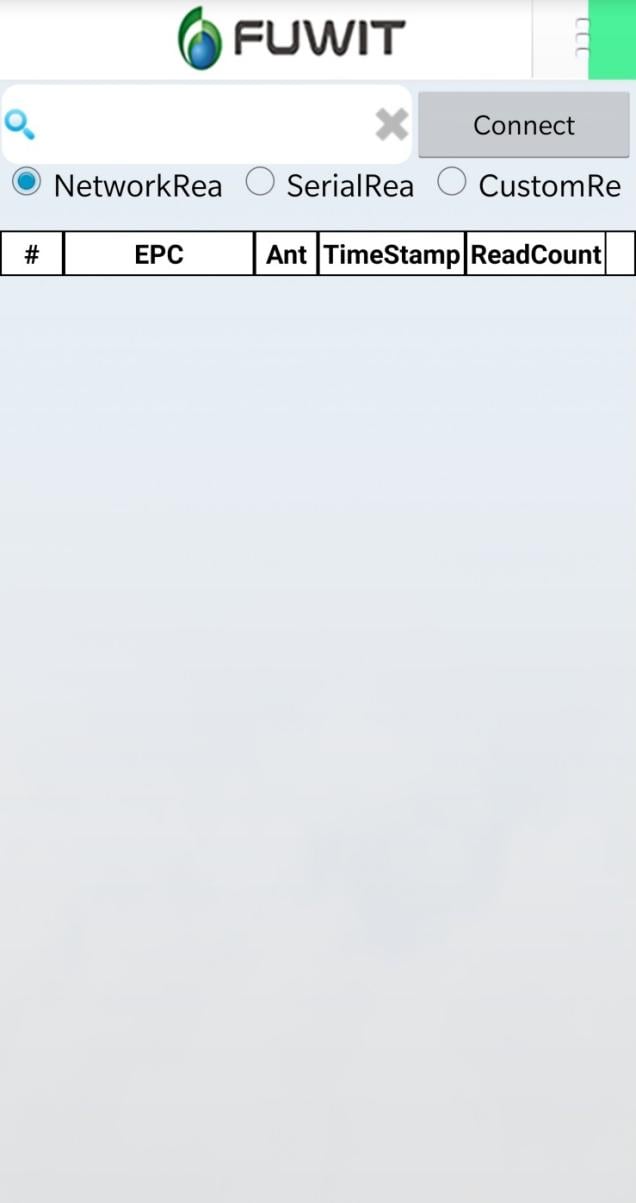
(3) Select SerialReader. At this point, you should see the device with the Bluetooth name BC04. If you have connected to other Bluetooth devices before, you can check through the drop-down box whether there is a Bluetooth device with BC04. If not, please ensure that the Android Bluetooth and the disk viewing Bluetooth are successfully matched.
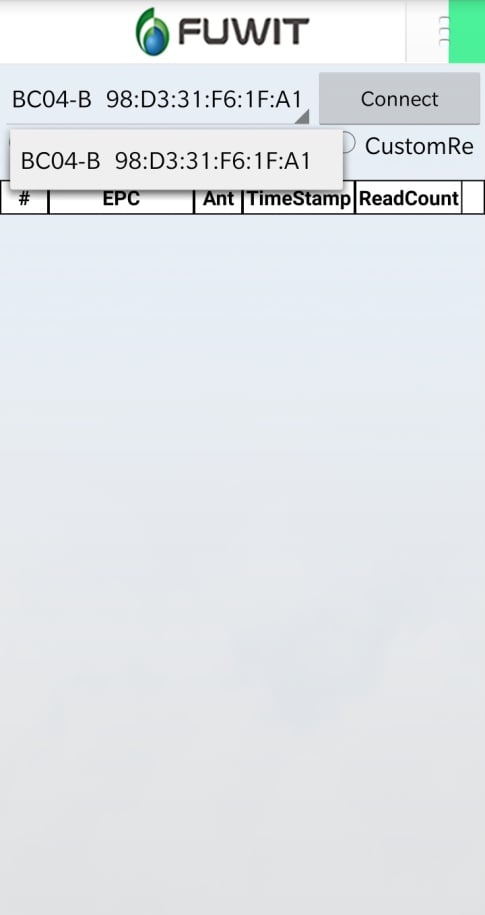
(4) Click Connect. After the device is successfully connected, it will be as shown in the following figure:
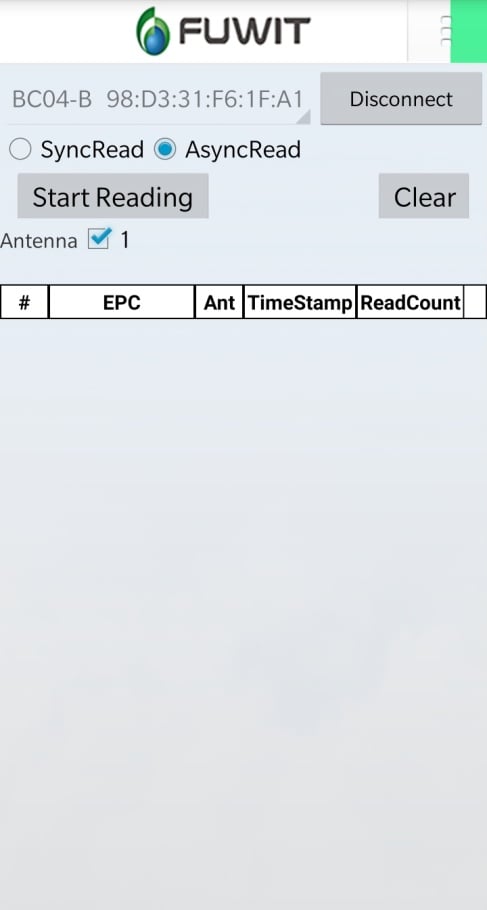
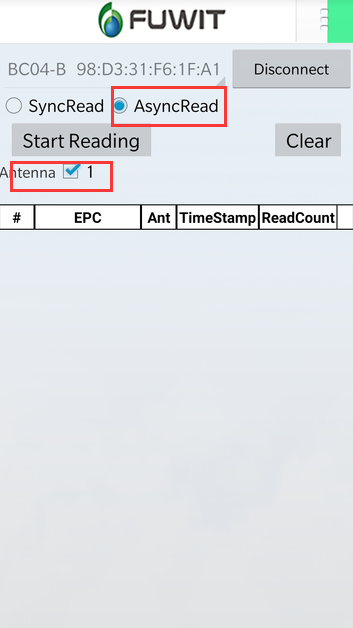
(5) Select AsyncRead, check Antenna 1, and click Start Reading to begin reading the tag data
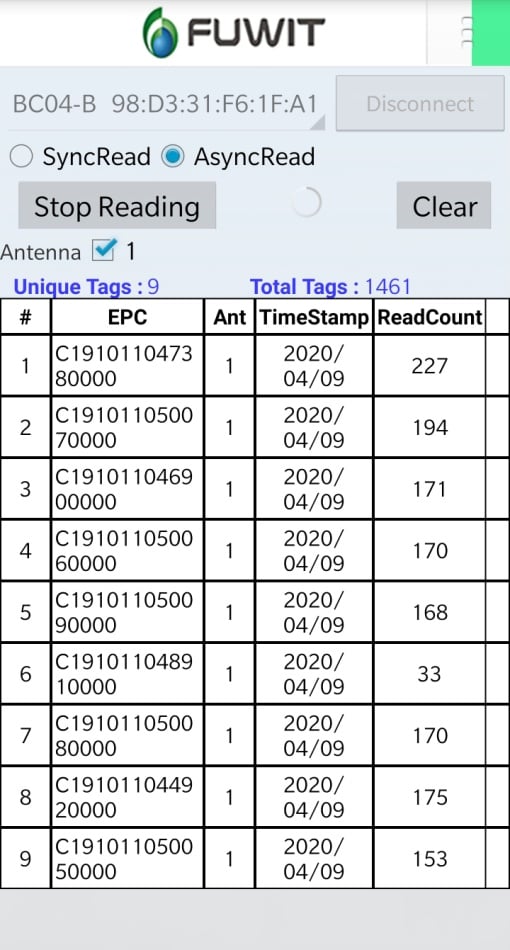
(6) Click "Stop Reading" to stop reading the tag data. Click "Clear" on the right to clear the display interface. Click "Disconnect" to disconnect the connection
Precautions
1. This product does not have a waterproof rating. Please do not immerse it in water or expose it to rain.
2. When cleaning, please use a clean alcohol wipes or lint-free cloth dipped in alcohol to wipe. Do not use corrosive liquids for wiping.
3. This product is made of leather. Please do not expose it to direct sunlight or scratch it with sharp objects.
4. Do not disassemble the equipment at will. If there is any malfunction, please contact: 400-833-1258 or 0755-25314080
Packaging list
| 1 | Jewelry Viewing Tray (FU-JWL-05) | 1 |
| 2 | User Manual (Including warranty Card) | 1 |
| 3 | Special charger | 1 |