EN
EN


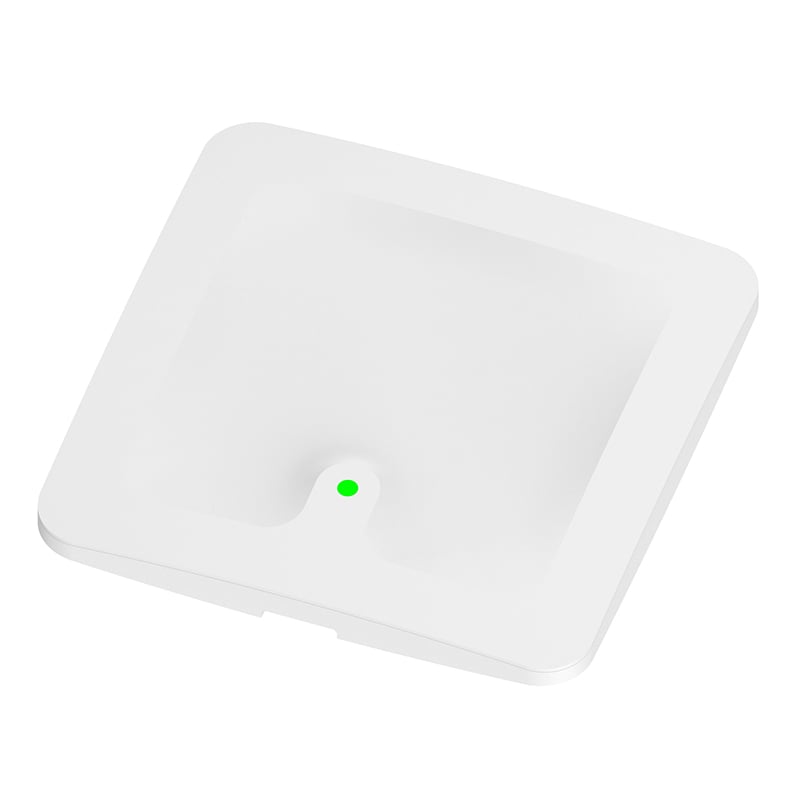
FU-GA25-P2 Bluetooth AOA Positioning Base Station Acknowledgement Document
Characteristics
Support DC interface or standard PoE(IEEE 802.3af/at) for power supply;
Communication via Ethernet;
Achieve 0-dimensional positioning, 1-dimensional positioning, but also to achieve 2-dimensional positioning;
Installation is very simple, small and beautiful appearance;
Application
Personnel positioning management
Factory Management
archives management
Asset Management
- Overview
- Specifications
- List of product accessories
- Precautions
- Recommended Products
Overview
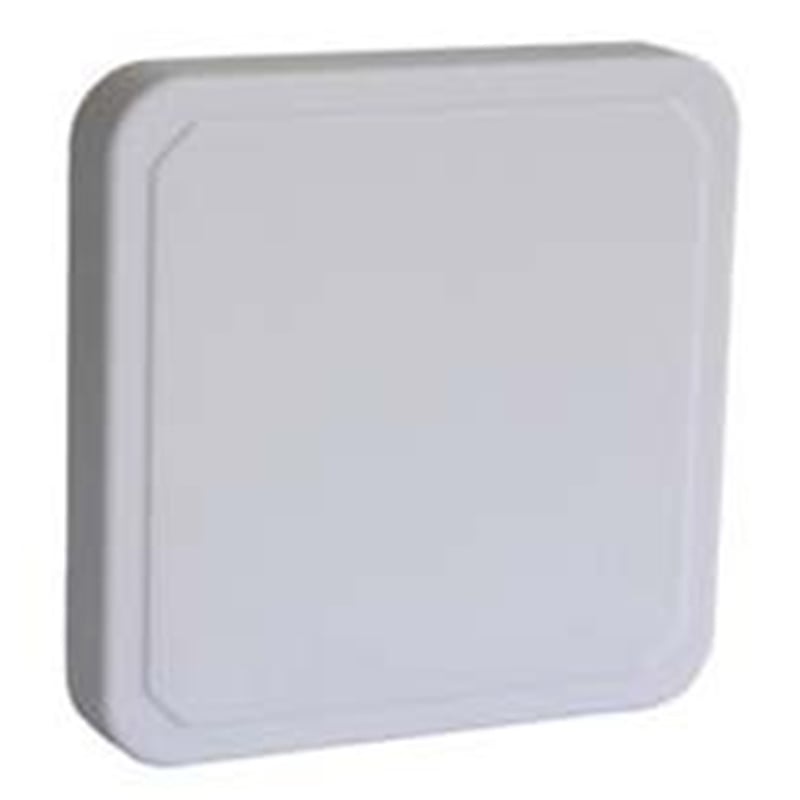
FU-GA25-P2 is a device that supports Bluetooth AOA positioning, which can realize positioning function through base station. The power supply is flexible and can be supplied through DC interface or standard PoE(IEEE 802.3af/at). The communication mode is Ethernet communication. The main function of the device is to achieve efficient Bluetooth positioning in an indoor environment, which can achieve not only 0-dimensional positioning, 1-dimensional positioning, but also 2-dimensional positioning. In addition, its installation is very simple, small and beautiful appearance.
Specifications
Electrical characteristics of the equipment
| Condition | Parameters | Description |
| Communication mode andExtended Interface | Wireless Interface | Bluetooth |
| Power | Power supply mode | Standard PoE (IEEE 802.3af/at) / DC powered 12-30V 1A |
| Power consumption | <2W | |
| Bluetooth parameters | Working frequency band | 2.401GHz-2.481GHz |
| Transport Protocol | TCP | |
| Configuration features | APP Configuration | Support |
| Firmware Upgrade | Support | |
| secondary development | secondary development | Support the upper application development of Web and Android platform |
Mechanical characteristics and use environment
| Condition | Parameters | Description |
| Shape and structure | Product size | 331mm × 331mm × 45mm |
| Net weight | 580g (including base) | |
| Color | White | |
| Material | ABS | |
| Installation Instructions | Installation method | Bracket screw fixing |
| Installation height | ≤ 25M | |
| Use of the environment | Working temperature | -20 ℃-60 ℃ |
Interface Description
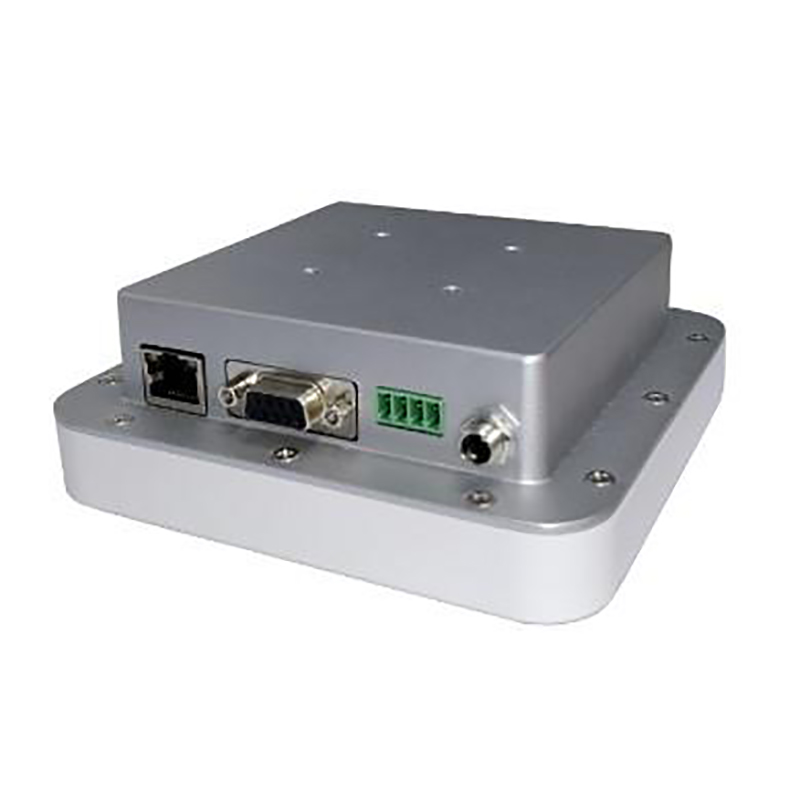
1) RJ45 * 2: divided into PoE IN and PoE OUT, power supply and data transmission interface, can be connected to standard PoE switch through network cable or our company similar dual network port base station cascade.
2) DC interface: adaptation of power supply voltage and PSE power supply.
3) Reset hole: press the button to restore the default setting for 3s, and the green light of the base station will flash for 5s, indicating that the base station has restored the initial setting and restarted successfully.
Indicator Signal Rules
1) After the base station is correctly installed and cascaded with the PoE switch, the base station will start automatically. After starting, the operation state of the base station can be determined by the indicator light.
2) The signal rules of LED indicator are shown in the following table
| On state | Base station status |
| Green light flash for 5s | Base station start/reset key long press restart |
| Red light flash | Getting IP address |
| Green light flashing slowly | Obtain IP address successfully |
| The green light is always on | Successfully connected to positioning engine |
| The red light is always on, and the base station will automatically reset after 30s. | Base station failure/not connected |
| Traffic lights flash alternately and slowly | Cascaded Lower Base Station Failure |
| Light dim | No power connection |
The signal rules of RJ45 interface indicator are shown in the following table
| On state | Base station status |
| always bright | The interface has a network connection |
| Flashing | The interface has data transmission |
| Light dim | No network connection |
* Contact us for equipment details and custom equipment.
Installation Instructions
* Before installation, please confirm that the fixed position can bear a weight of 2kg and above
1) As shown in the figure to the right, use KA4 screws to fasten the disk frame to the flat top (direction shown by arrow)
2) Align the buckle position of the mounting tray, and push the base station into the bayonet of the mounting tray.
3) The direction of the network port shall be consistent with the direction of the network port marked on the back of the base station.
4) Connect the upper level network cable to the base station RJ45 interface (PoE IN)
5) If there is a lower-level cascade base station, connect the RJ45 interface (PoE OUT) of the base station through the network cable and the RJ45 interface (PoE IN) of the lower-level base station. It is recommended that the base station cascade should not exceed 8 levels.
List of product accessories
| Name | Quantity |
| FU-GA25-P2 Bluetooth AOA positioning base station | 1 |
| Installation tray rack | 1 |
| Install the screw KA4*30 and the rubber stopper | (1 screw +1 rubber stopper) ×4 |
| Waterproof four-piece set | 2 |
| Certificate of Conformity | 1 |
Note: Items not included with the equipment or subsequent optional items will not be recorded in the list. For specific information, please confirm with the salesperson.
Precautions
Precautions and environmental protection instructions
Considerations
In order to use this product safely and effectively, please read the following before use.
1) When selecting the PoE power supply mode for the positioning base station, the specified standard PoE power supply equipment must be used for power supply (PSE equipment conforming to IEEE802.3af / 802.3at protocol)
2) The temperature range of the working environment of the base station is -20 ℃ ~ 60 ℃, away from fire source and electromagnetic interference source
3) Support the upper application development of Web and Android platform
4) Installation elevation theoretical limit of 66 °, strongly recommended not to exceed 45 °
Warranty Service Terms
1.Warranty Service Scope
● Warranty Products:
For compliance with the People's Republic of China statutes and applicable administrative rules, this warranty is limited and applies only to products sold by FUWIT or by authorized dealers.
● Warranty period:
During the following period from the date of shipment, the product can enjoy warranty service in case of failure under normal use. If the customer has warranty service requirements, the purchase contract, receipt, SN number of the faulty machine and description of the fault problem shall be provided to prove that the product enjoys a one-year warranty from the date of shipment.
● Non-warranty coverage:
A. unable to provide a valid purchase contract, receipt documents or proof (including the contents of the purchase contract, receipt documents have been altered, or inconsistent with the physical product, etc.)
B. Surface damage, such as scratches, dents, or dents.
c. Consumables such as batteries, except if the product is damaged due to defects in materials or workmanship.
d. Damage due to accident, abuse, misuse, fire or other acts of God or due to improper use or unreasonable maintenance by oneself (including damage due to external forces)
e. Maintenance, modification or alteration by personnel not authorized by FUWIT may cause permanent damage to the product.
2.Description
● This Warranty provides you with specific legal rights, but these rights may vary depending on national regulations, and FUWIT has not excluded, restricted or suspended other legal rights under national laws, so some of the restrictions below may not apply to you.
● To the extent permitted by law, this warranty is exclusive and supersedes all other warranty conditions, express or implied or statutory, including any liability arising from a particular purpose, statutory provision or any other circumstances, including but not limited to the merchantability or fitness for a particular purpose of the product. In addition, FUWIT will not be responsible for any accidental, special, indirect or consequential damage (which may result from use, misuse, non-use or product defects).
● FUWIT reserves the right to reject warranty claims for products or services obtained and/or used in violation of the laws of any country.
● Products sold through auction sites or other non-FUWIT or authorized dealers are not covered by this warranty.
● If the product is not covered by the warranty after testing, FUWIT will repair it after obtaining the customer's consent and charging a fee for the quotation. For the repaired fault, FUWIT will provide a warranty for the same function fault within 90 days.
● FUWIT reserves the right to repair/replace the product or software. FUWIT will use the original spare parts for maintenance according to the standard process. In case of unserviceable conditions, some products will be repaired by module replacement or complete machine replacement. In case of shortage of maintenance materials or product shutdown, the same product replacement will be provided during the warranty period according to the depreciation of the product, or the upgrade will be provided with the customer's consent and the price difference will be collected at discretion; outside the warranty period, no maintenance service will be provided. The replaced faulty parts belong to FUWIT.
3.Precautions
● Before applying for product warranty, customers should back up all important personal data in advance and only provide products that need warranty. During the maintenance process, the data in the product may disappear and cannot be recovered. FUWIT does not provide data backup and does not guarantee the consistency of relevant settings before and after maintenance.