EN
EN


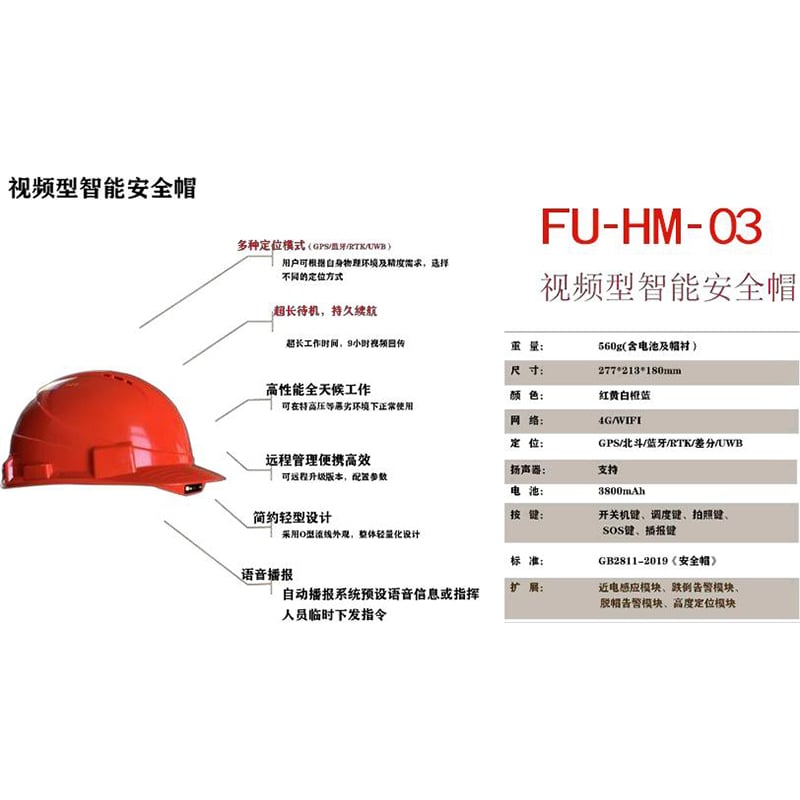
FU-HM-03 New Smart Safety helmet
The new FU-HM-03 smart safety helmet enables personnel positioning and scenarios such as video, lighting, SOS, calling, Bluetooth, and voice announcement. The intelligent integrated safety helmet, on the basis of the basic functions of a safety helmet, highly integrates modules such as cameras, voice, and communication mainboards. This wearable device features high-definition video capture, voice communication, intercom, local video storage and other functions.
- Overview
- Specifications
- Usage method
- Warranty Service Terms
- Recommended Products
Overview
While achieving data collection and real-time communication, it truly liberates the hands of on-site operators. UWB is used indoors to achieve three-dimensional, two-dimensional, one-dimensional and zero-dimensional positioning, and the products are designed, produced and manufactured in accordance with industrial standard requirements. It is applied in industries such as power grids, construction engineering, emergency rescue and disaster relief, railway maintenance, oil drilling, mining and coal, thermal maintenance, and security.
Product Functions
1.SOS button: Press the SOS button briefly when the device is on to sound an alarm and notify the background.
2. Precise positioning: It adopts indoor and outdoor UWB+ Beidou and GPS indoor and outdoor positioning.
3. Charging: micro USB charging for more convenient charging.
4. Image Acquisition: Achieve high-definition video acquisition, support H.264 video compression/decompression technology, and real-time video transmission supports laser positioning. 5. Photo Recording: Press the photo recording button to take a photo of the camera position and save the picture to the background.
6. Voice intercom: Equipped with a high-sensitivity microphone and a high-volume speaker, it supports the connection of headphones and can achieve two-way voice communication, group call/group call and other functions.
7. Lighting: Pressing the lighting button will turn on the flashlight on the safety helmet. Pressing the light button again will turn off the lighting.
8. Fence alarm: Alarm for entering and exiting the fence.
9. Low battery alarm: When the terminal battery level is less than 20%, a low battery voice broadcast alarm will be generated.
10. Wireless transmission: Supports WiFi and public network 4G, enabling remote monitoring and communication functions via mobile phones, tablets and computers.
Specifications
| Name | Parameter | Explanation |
| Memory | RAM 2GB+ROM 16GB | |
| System | Android 6.0 | |
| Positioning | UWB/GPS/ Beidou | |
| Positioning method | UWB | 10-30cm |
| Beidou +GPS | 3-10m | |
| WIFI | 10-50cm | |
| LBS | 10-200m | |
| UWB positioning frequency band | channel 2 | The 3.7-4.2GHz central frequency band |
| UWB positioning algorithm | TOF/TDOA | 3.95 Ghz |
| UWB positioning distance | UWB positioning distance | TOF: 0-dimensional TDOA: 1/2 dimensional |
| Open and unobstructed | 500m | Open and unobstructed |
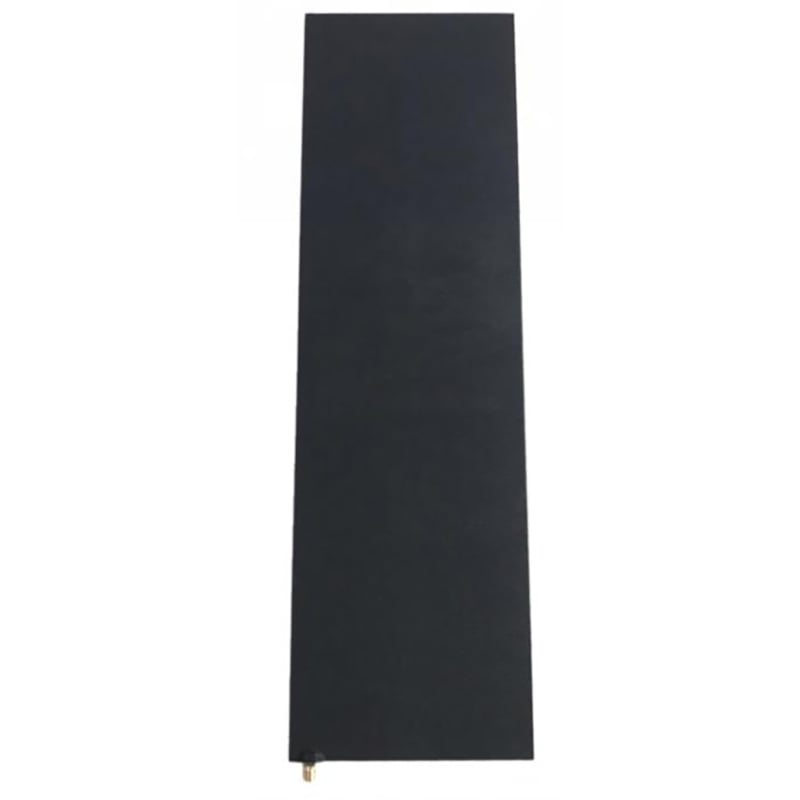
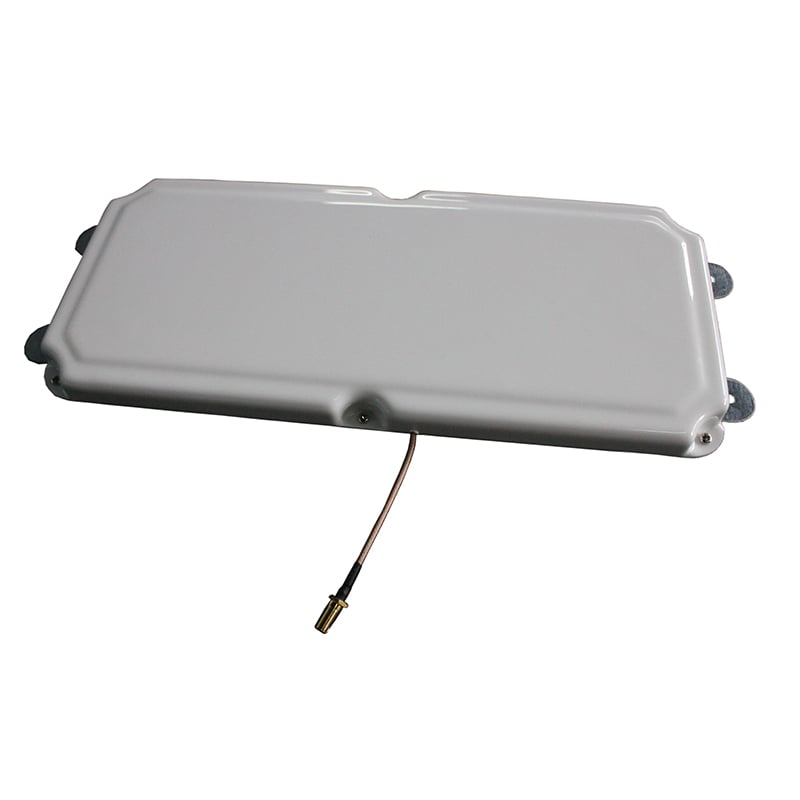
| UWB antenna | Built-in 2dBi ceramic antenna | |
| Microphone | Dual noise-canceling microphones | |
| Bluetooth /WIFI | BT: 4.1LE | |
| Wireless 4G | WIFI: 802.11b /g/n | |
| SIM card | LTE 4G full network compatibility | |
| Key function | Single Micro SIM card | |
| Indicator light | Power on/off, SOS, reset, lighting, intercom, video recording | |
| Camera | Dual-color working status indicator light | |
| Battery capacity | Battery power indicator light | |
| Charging method | 16 million high-definition camera | DC 5V |
| Working current | 3800mAh | |
| Working voltage | Micro-USB charging | |
| Sleep standby current | 10mA | |
| Static current | 3.7 V | |
| Operating temperature (℃ | < 0.4mA | |
| Storage temperature (℃ | 0.0002 mu A | |
| Humidity (non-concentrated | - 30 ℃ ~ 60 ℃ | |
| Product certification | 0 ℃ to 25 ℃ | |
| Specification and size | It does not condense at 10% to 90%RH | |
| Weight | National GB2811-2007 Safety helmet certification |
Equipment list
| NO. | Product Name | Quantity | Unit | Remarks |
| 1 | Intelligent safety helmet | 1 | The top | |
| 2 | Data cable | 1 | article | |
| 3 | Charger | 1 | a | |
| 4 | Headphones | 1 | article | Optional |
| 5 | User Guide | 1 | this |
Usage method
Start up
Press and hold the "Power on/Off" button for 6 seconds to turn on the device.
First, insert the SIM card, then hold down the power button for 6 seconds and release it. At this point, the power status indicator light on the side will turn green and remain on constantly, indicating that the safety helmet is on.
After 15 seconds, the safety helmet will give a voice prompt: "The safety helmet keeps you safe." At this point, the safety helmet is successfully turned on.
After turning on the device, you will hear a prompt tone: "Login successful, *** intercom group."
If the prompt "Login Failed" keeps showing, please check if the SIM is inserted. Whether there are network issues such as SIM card arrears.
Shut down
To turn off a safety helmet, you need to press the "Power on/Off" button twice. Press briefly for the first time and press long for the second time.
The shutdown steps are as follows:
Briefly press the "Power On/Off" button and observe that the white power status indicator light on the side lights up;
Press and hold the "Power on/Off" button again until you hear "Shutting down", then release it.
After the safety helmet is successfully turned off, the body will vibrate slightly.
Intercom
Press and hold the intercom button. When you hear the prompt sound "beep", speak to initiate an intercom with the group members. Release it to end. Pressing the lighting button will turn on the lights, and pressing it again will turn them off. (There will be a prompt tone: "Turn on/off the lighting")
Dispatch
Pressing the dispatch button will call the dispatch console according to the set dispatch console number. After the dispatch console is connected, it will see the video of the safety helmet user and can make a voice call. Press the dispatch button again to hang up the call. There will be a prompt tone: "Calling the dispatch console number XXX."
Filmed
1. Take photos
Press the "Record" button briefly and the safety helmet will take a photo automatically.
During the photo shoot, there will be a prompt tone: "Taking photos locally, local photo taken successfully."
2 Shoot a video
(1) Start shooting: Press and hold the "Record" button for 4 seconds. When you hear the prompt voice "Open Record", release it.
During the recording process, the red laser positioning light at the front end of the safety helmet remained on constantly.
(2) Stop shooting: Briefly press the "Recording" button. When you hear the prompt voice "Stop recording", you can end this local shooting.
SOS button
1. Short press SOS
(1) If no account has been configured, the voice will broadcast: "No login information available. Please configure the login information first."
(2) If the login is successful, the voice will broadcast: "Currently in online mode. User:xxx, number: xxx
(3) If the login fails, the voice will broadcast: "Currently in offline mode. User:xxx, number: xxx
2. Long press SOS
(1) If in the logged state:
If the dispatch console number is detected, dial it and voice announce: "Alarm in progress." If not detected, the voice will announce: "We are obtaining the dispatch console number. Please wait a moment."
If there is an unfinished alarm call from the previous time, to end the previous call, the voice will announce: "Cancel alarm".
(2) If you are not logged in, the voice will broadcast: "Alarm failed" (the content can be modified through the configuration file).
Positioning
After the user turns on the device, the current location of the safety helmet user will be reported to the dispatch console, and the real-time location of this safety helmet user can be obtained.
Instant messaging
When the safety helmet user receives text messages from other terminals or dispatch consoles, the safety helmet end will play the information content in the form of "voice broadcast"
Charging
When charging, the dual-color status indicator light on the side of the safety helmet remains constantly red, and the four white battery level indicator lights flash in sequence.
After being fully charged, the dual-color status indicator light on the side of the safety helmet turns green and remains constantly on.
(Wait until the safety helmet is fully charged before using it. Do not use it while charging.)
Low battery voice prompt
When the battery of the safety helmet is less than 20%, it will automatically voice announce, "The battery is below 20%. Please charge it in time."
When the battery of the safety helmet is less than 10%, it will automatically announce by voice, "The battery is below 10%. Please charge it in time."
Safety helmet grade
The safety helmet complies with the latest GB2811 "Safety Helmet" standard
Warranty Service Terms
Scope of warranty service
● Warranty products:
In order to comply with the relevant laws and regulations of the People's Republic of China and administrative rules, this warranty service is a limited warranty and is only applicable to products sold by Shenzhen Quanshunhong Technology Co., LTD. (hereinafter referred to as "Quanshunhong") or those sold by authorized dealers.
● Warranty period:
The product is eligible for warranty service within the following period from the date of purchase to the date of shipment if it malfunctions under normal use. If the customer has a need for warranty service, they must provide the purchase contract, delivery note, SN number of the faulty machine, and a description of the fault problem to prove that the product is covered by a one-year warranty from the date of purchase to the date of shipment.
● Non-warranty coverage:
a. Unable to provide valid purchase contracts, receipt documents or proof (including alterations in the contents of purchase contracts and receipt documents, or inconsistency with the actual products, etc.)
b. Surface damage, such as scratches, dents or depressions.
c. Batteries and other consumables, except for those damaged due to material or process defects.
d. Damage caused by accident, abuse, misuse, fire or other natural disasters, or due to improper use or unreasonable self-maintenance (including damage caused by external force)
e. Maintenance, modification or alteration carried out by non-authorized maintenance personnel of Quanshunhong may cause permanent damage to the product.
Explanation
This warranty provides you with specific legal rights, but such rights may vary due to different regulations in various countries. Moreover, other legal rights stipulated by the laws of each country are not excluded, restricted or suspended by Quanshunhong. Therefore, some of the following restrictions may not apply to you.
To the extent permitted by law, this warranty clause is exclusive and supersedes all other express, implied or statutory warranty conditions, including any liability arising from a particular purpose, statutory requirement or any other circumstances, including but not limited to the merchantability or fitness for a particular purpose of the product. In addition, Quanshunhong shall not be held responsible for any accidental, special, indirect or consequential damages (which may result from use, misuse, inability to use or product defects).
Quanshunhong reserves the right to reject warranty applications for products or services obtained and/or used in violation of the laws of any country.
Products sold through auction websites or other non-Quanshunhong or non-authorized dealers are not covered by this warranty service.
If the product is found to be outside the warranty coverage after inspection, Quanshunhong will carry out the repair after obtaining the customer's consent and charging the quotation. For the repaired faults, Quanshunhong offers a 90-day warranty for the same functional faults.
Quanshunhong reserves the right to repair or replace the product or software. Quanshunhong will carry out repairs using original factory spare parts in accordance with standard procedures. In cases where repair is impossible, some products are repaired by replacing modules or the entire machine. In the event of a shortage of repair materials or product discontinuation, during the warranty period, an equivalent equivalent product will be provided for replacement after depreciation of the product, or an upgrade will be provided with the customer's consent and a price difference will be charged. Beyond the warranty period, no repair service will be provided. The faulty parts that have been replaced belong to Quanshunhong.
Precautions
Before applying for product warranty, customers should back up all their important personal data in advance and only provide the products that need warranty. During the maintenance process, the data within the product may be lost and cannot be restored. Quanshunhong does not provide data backup and does not guarantee the consistency of relevant Settings before and after the maintenance.